
01
Brush for translucent details
Paint letters, thin strokes and partly transparent edges precisely at a comfortable zoom level.
MagicEraser Online
Clean authorized images by painting over a watermark and letting AI reconstruct the covered area.
JPG, PNG or WEBP · up to 15 MB
No signup required · images are stored temporarily
Choose the smallest practical selection for the authorized mark so the AI retains as much original image detail as possible.
01
Paint letters, thin strokes and partly transparent edges precisely at a comfortable zoom level.
02
Trace permitted curved or uneven marks while avoiding nearby faces, products or architectural lines.
03
Select a simple corner label quickly, then subtract any clean image area included by the rectangle.
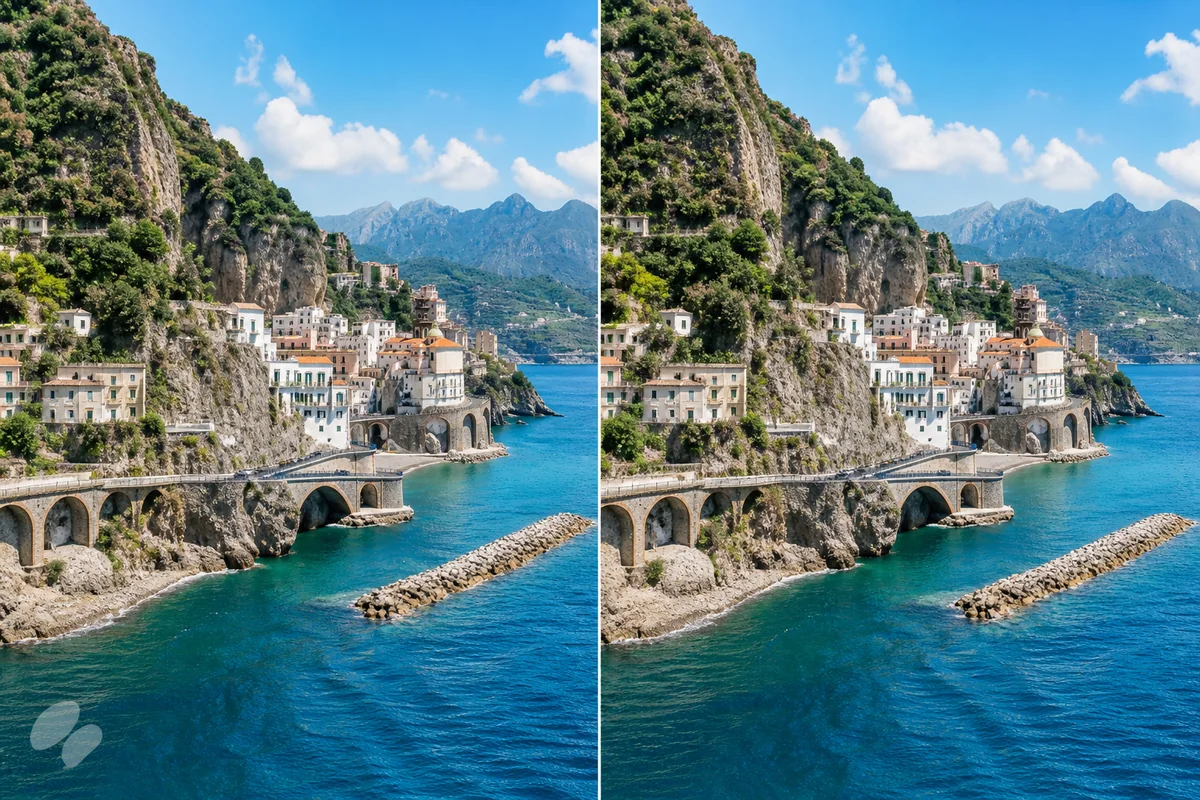
Remove a permitted watermark while reconstructing fine photographic detail beneath the marked area.
Private by design: anonymous images are temporary, not a permanent public gallery.
Mobile friendly controls work with mouse, touch and stylus through Pointer Events.
Brush, eraser, undo, redo, zoom and pan give you control over every mask.
Use the watermark remover only for images you own or have permission to edit, such as draft assets, personal timestamps or approved creative files. Brush over the mark and let AI restore the image area while respecting copyright and creator rights.
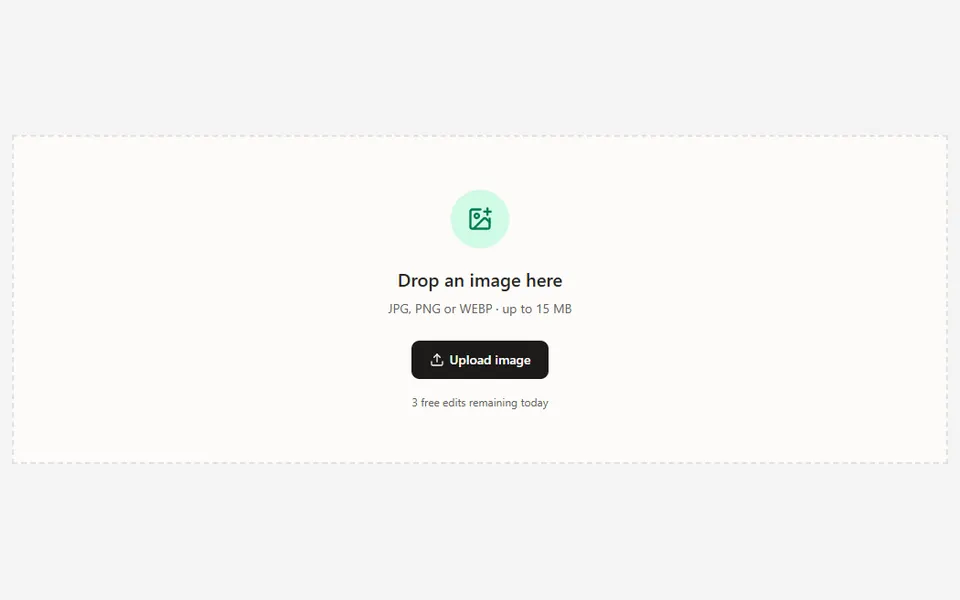
Use the tool only for your own images or files the rights holder has authorized you to modify.
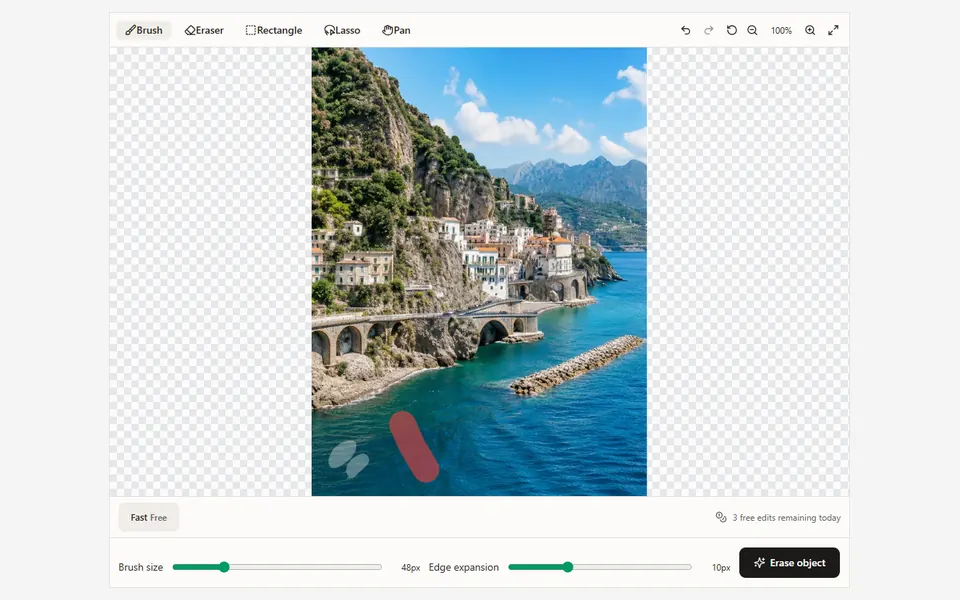
Use Brush, Lasso or Rectangle to cover the visible mark, including translucent edges without masking unrelated content.
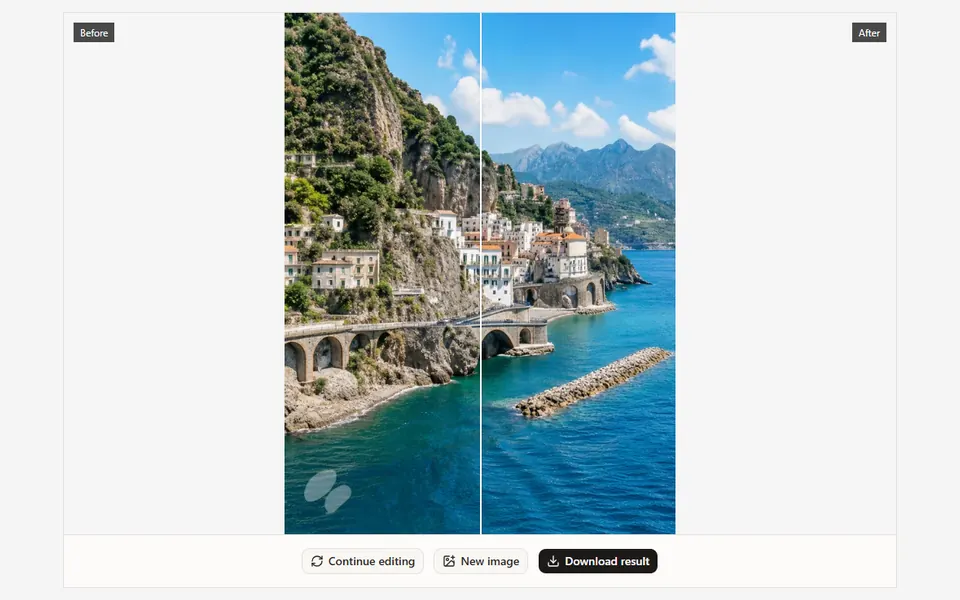
Process the selection, compare the result at high zoom and use a smaller second pass around any remaining edge.
Remove draft marks from your own approved creative assets.
Clean timestamps or camera overlays from personal photos.
Restore archived images when you hold the editing rights.
Remove a permitted watermark while reconstructing fine photographic detail beneath the marked area.
01Only remove a watermark when you own the image or have explicit permission from the rights holder.
02Keep the selection tight around transparent marks and lower edge expansion near fine subject boundaries.
03Use smaller separate passes over repeating textures, hair or other complex detail rather than one oversized mask.
Step-by-step guide
Apply the same careful manual masking workflow to authorized text overlays, timestamps and simple lettering.
Upload an image, paint over the distraction and let AI handle the difficult part.
Upload image